
DEV BLOG / 10
Working out the roster screens
Building out the player, roster and game views once the Godot prototype was on screen.
Game screenshots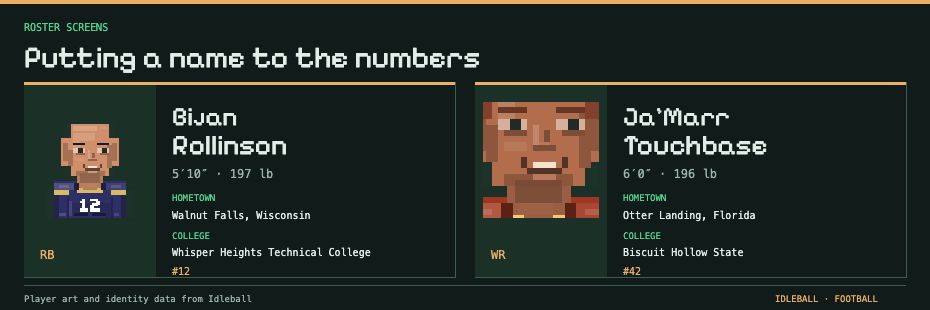
After getting the prototype into Godot and finishing the long dynasty run, I started noticing information that was in the wrong place, controls that needed more thought, and assumptions that had made much more sense in an editor.
This is where the pace picked up. There were more parts of the game on screen, so each change raised questions about the others. I could finally judge some of those questions by trying to manage the team.
If I still had to explain where everything was, I’d added a tour guide instead of finishing the interface. The tour guide was also me, which was going to limit the game’s audience somewhat.
What changed since the last post
- Player profiles became easier to judge beside the roster. Identity details and position information needed to support a team decision, not just fill a card.
- Pixel portraits gave the players a recognizable face. They helped me keep track of people instead of treating the roster as another list of names.
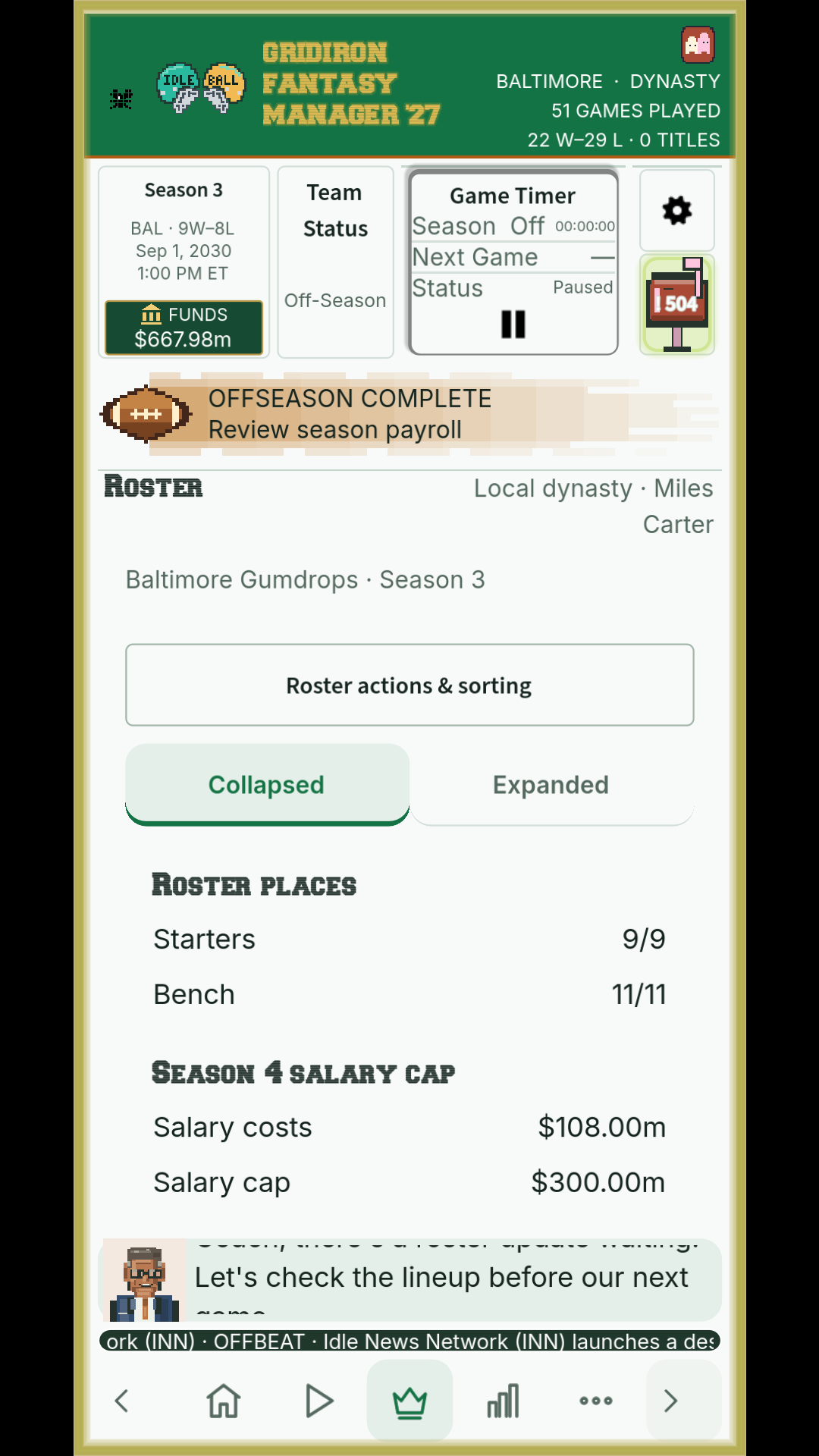
- The lineup and bench needed clearer presentation. Choosing the team and keeping some depth became concrete interface problems.
- Roster costs and the salary cap entered the same conversation. A player could fit the lineup while making the finances harder to manage.
- The game view had more to explain. Scores, results and the action behind them needed to be readable separately from the front-office work.
- I started separating layout problems from engine problems more carefully. A confusing screen didn’t always mean the data was wrong, and a confusing result wasn’t always something I could fix with a better label.
- The next set of management screens became harder to put off. Contracts, injuries and the budget all affected the team I was trying to assemble.
A roster I can work with
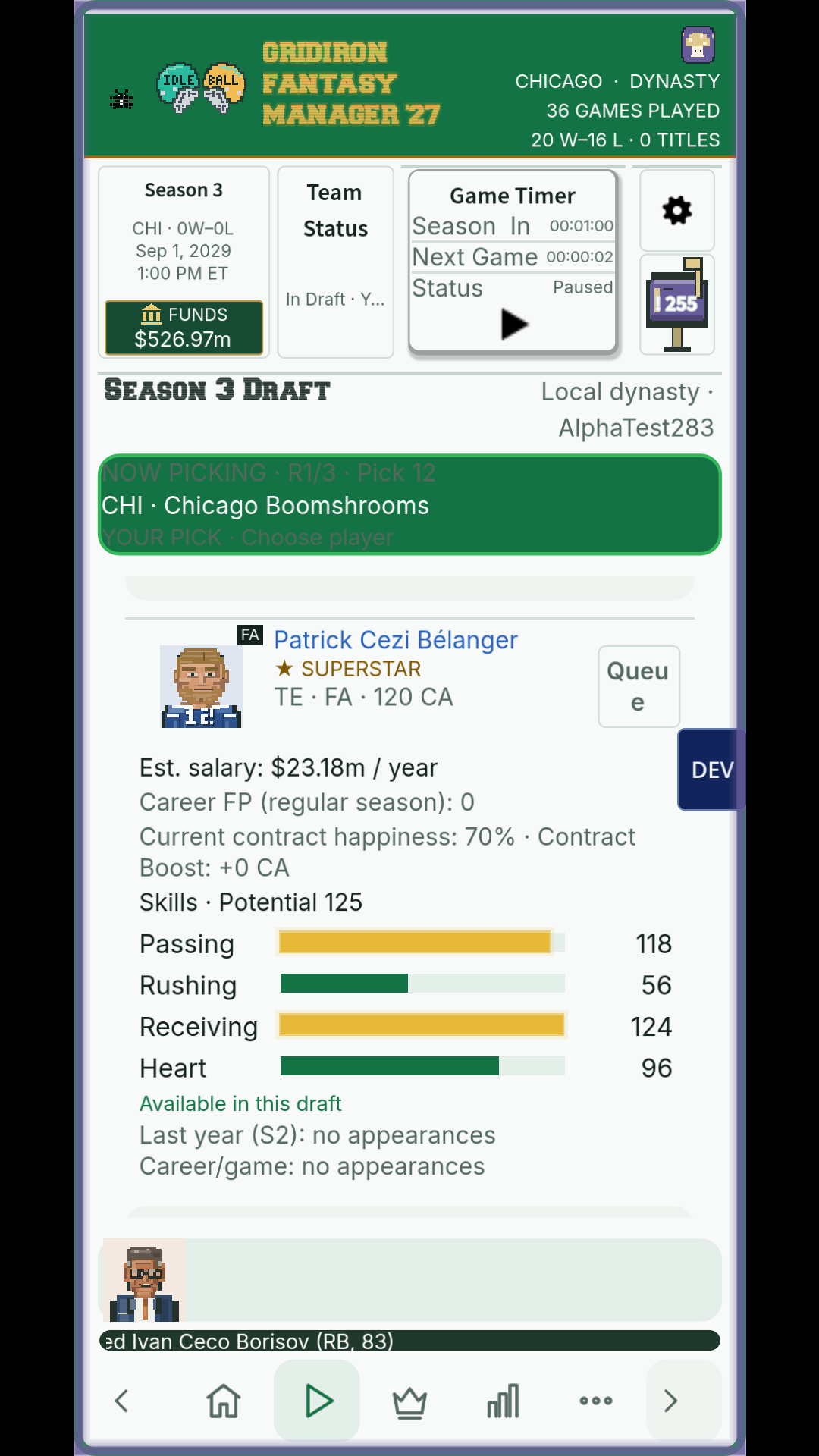
Two of the later prototype views.
More of a game, more to get wrong
I like the simple pixel portraits. Recognizing a player makes a difference to how the roster feels, especially after a year of looking at names and values. They also need to remain readable in a small window. Making something look good large doesn’t settle whether it works at the size you’ll actually use.
I was getting better at finding where a problem belonged. That was useful progress for me, even though it didn’t make the problems disappear. Sometimes the screen needed another pass. Sometimes I had to go back into the football logic. I was less likely to pull apart both just because I was frustrated with one.
And then somebody gets hurt
The less convenient parts of looking after the team.
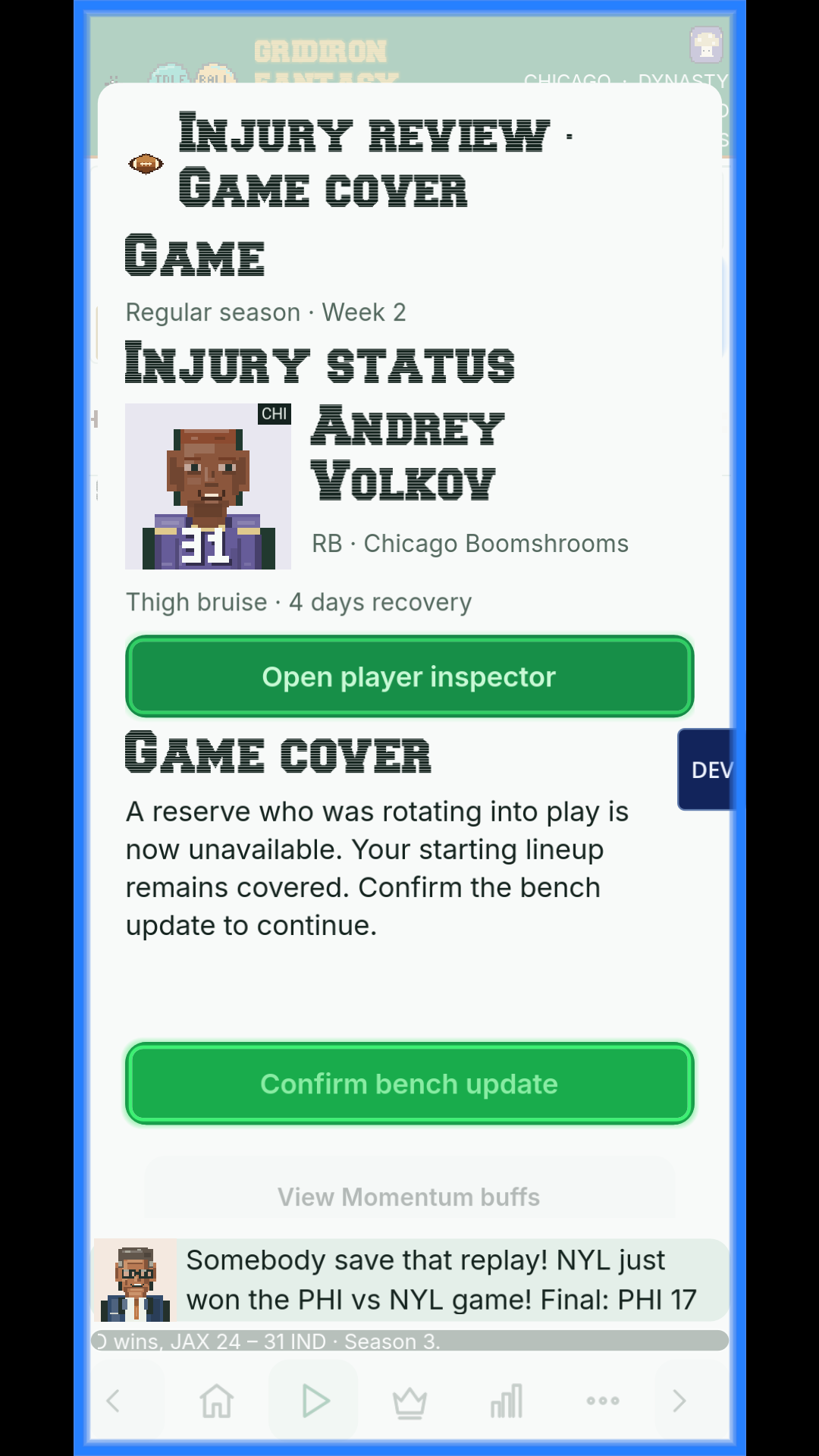
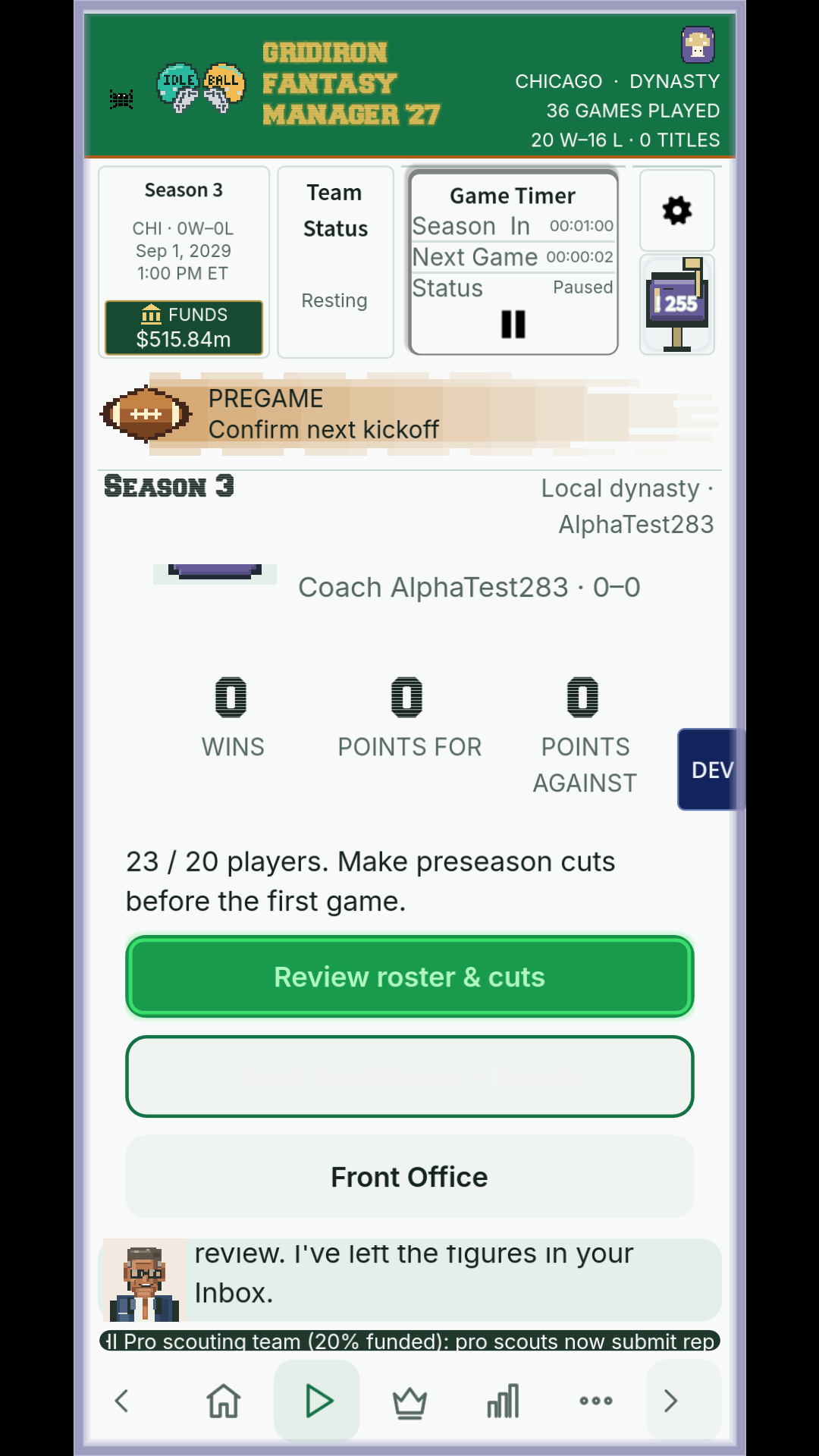
The roster was now making the next job fairly obvious. I could choose players; I also needed to deal with what they cost and get the team through the season.