DEV BLOG / 27
A clearer Inbox—and what comes next
The newest mail interface, and an honest look at the work still in front of me.
Game screenshots
I’ve spent this week working on the Inbox. Yesterday’s changes give the messages a clearer list and a proper reader, which is a relief when three different parts of the franchise want something from me at once.
The Inbox was keeping the messages, but using it still took too much hunting around. I wanted to see who sent something, what it concerned and whether I needed to act, without opening half the mail to find out.
The Inbox before this week’s changes
These are actual game captures from September 30. The older notification list worked, but it made finding and reading a message harder than it needed to be.
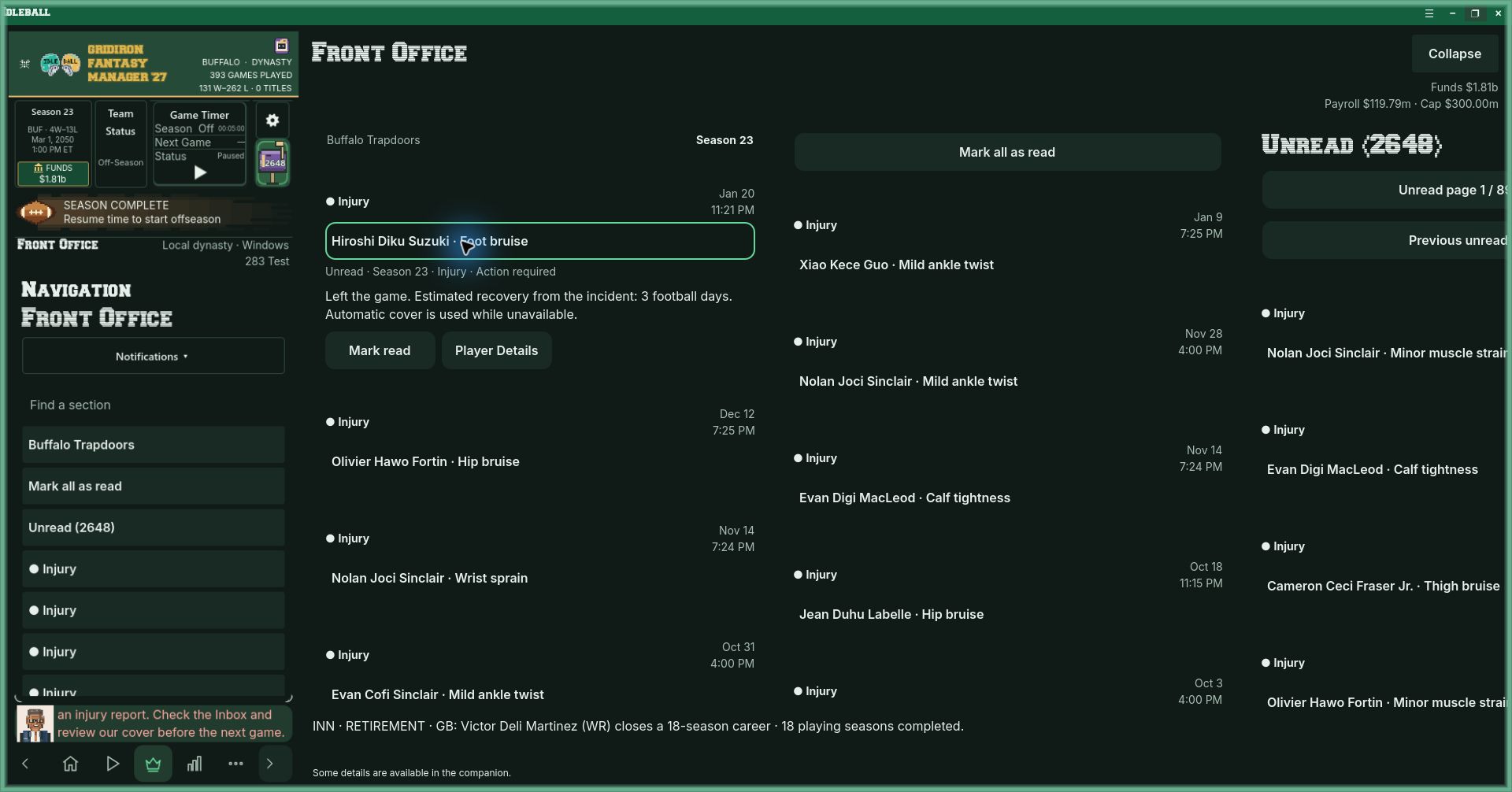
What changed since the shared-interface checkpoint
- Mail rows show their actual source. Sender, subject, preview and timestamp give a message some context before it opens.
- Unread, resolved and urgent states are distinct. A new message and an outstanding decision aren’t interchangeable.
- The selected message has a proper reader. Wide layouts use measured columns; narrow layouts use an overlay.
- The list stays with the relevant team. Team filtering keeps correspondence attached to the franchise being viewed.
- Messages are paged in groups of thirty. A long archive doesn’t need to be loaded into one oversized list.
- Reading is an explicit action. Opening or resizing a view shouldn’t quietly change unrelated message state.
- Original destinations still work. A contract or report link needs to retain its actual callback.
- Selection, focus and scroll survive resize and Back. Returning to the list should bring me back to the message I was using.
- Yesterday’s isolated run compiled and passed 39 native checks. The Inbox cases passed; the packaged game still needs its own review.
- Portrait motion and settings are restored. The interface changes need to keep the existing animation controls working.
Still testing
The 39 checks are useful. They don’t cover every interaction in the packaged game or on an actual device, and the run still had shutdown leak warnings. I need to keep those details on the list instead of rounding the whole thing up to “finished.”
I’m on build 318 now. The matching packages still need their own checks. Getting the focused tests through is encouraging, but I need to use the game at the sizes people will actually play it.
Still in front of me
Startup needs to reach responsive controls reliably. Windows docking, scaling and the title bar still need work. Phone profiles and the expanded workspace need to remain understandable at the sizes people actually use.
Quick Play, Apple parity and some proposed companion changes remain unfinished or unverified. Private-league convergence, deployed notification delivery, background behavior and long-run economic testing also need their own results.
I’m a lot more comfortable with the code than I was when I started. I’m still a dad changing careers and trying to make his first original game. There’s a difference between having built a lot of systems and having a game ready for somebody else to trust.
Football is scheduled for February 1, 2027. The rest of Idleball follows in order: baseball, hockey, then basketball. My job now is to keep improving the football game in front of me, rather than use the next idea as an excuse to leave this one half done.
Next I’m concentrating on startup and the companion window. I want the game to open cleanly, keep its place when I resize it and let me get on with managing the team. A working Inbox is a good step. It hasn’t shortened the rest of my list quite as much as I’d hoped.
The prototype on screen
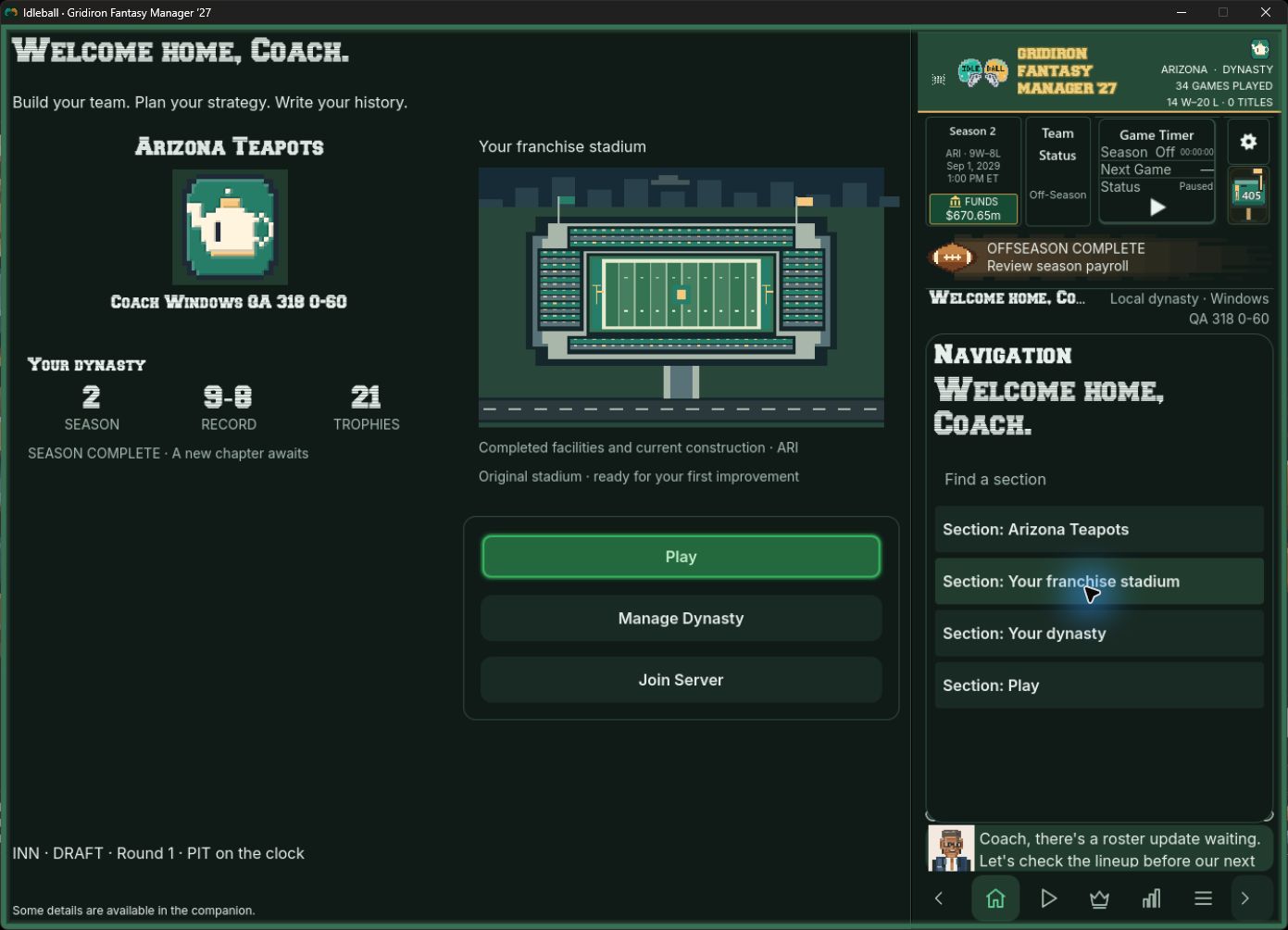
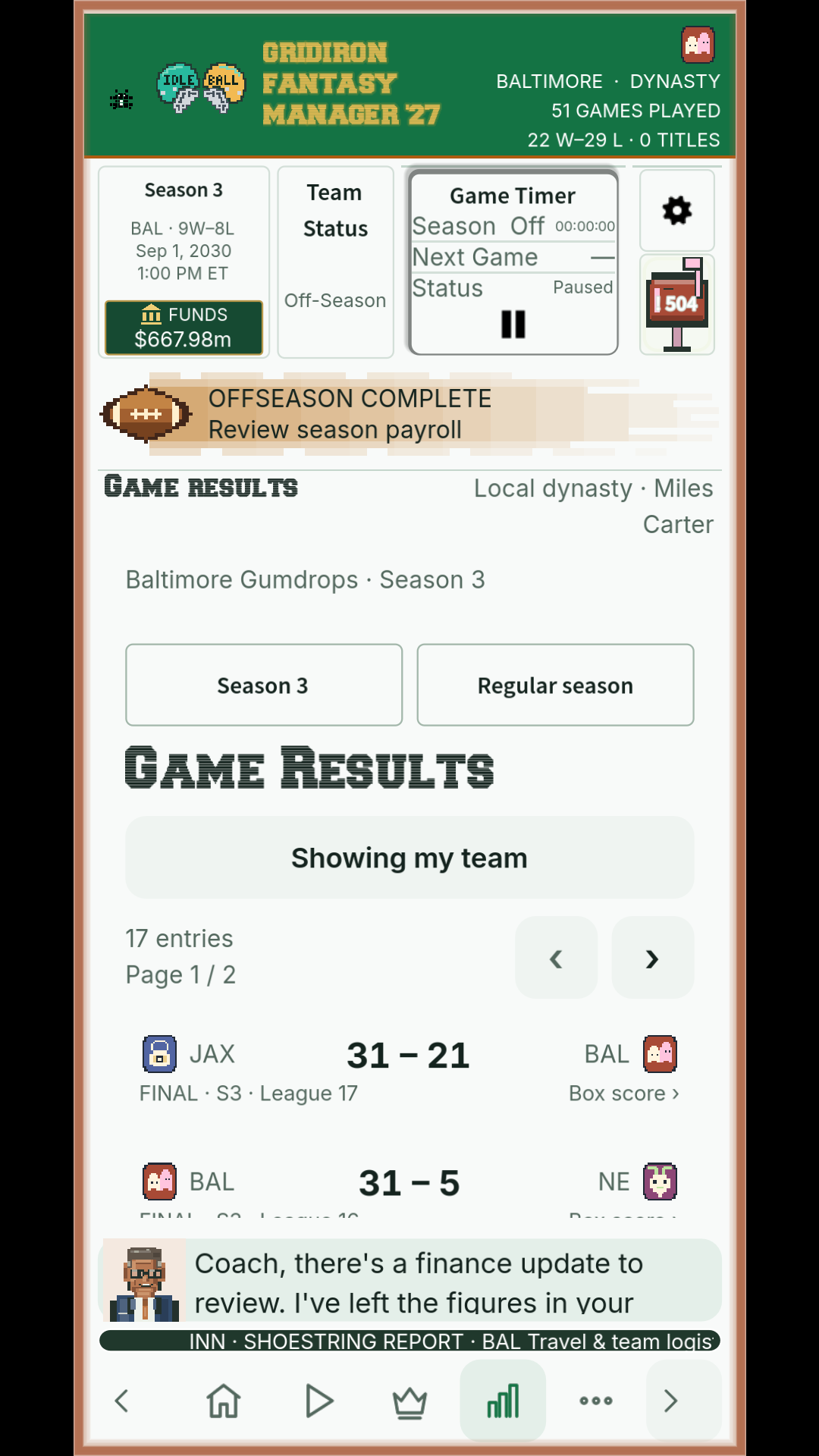
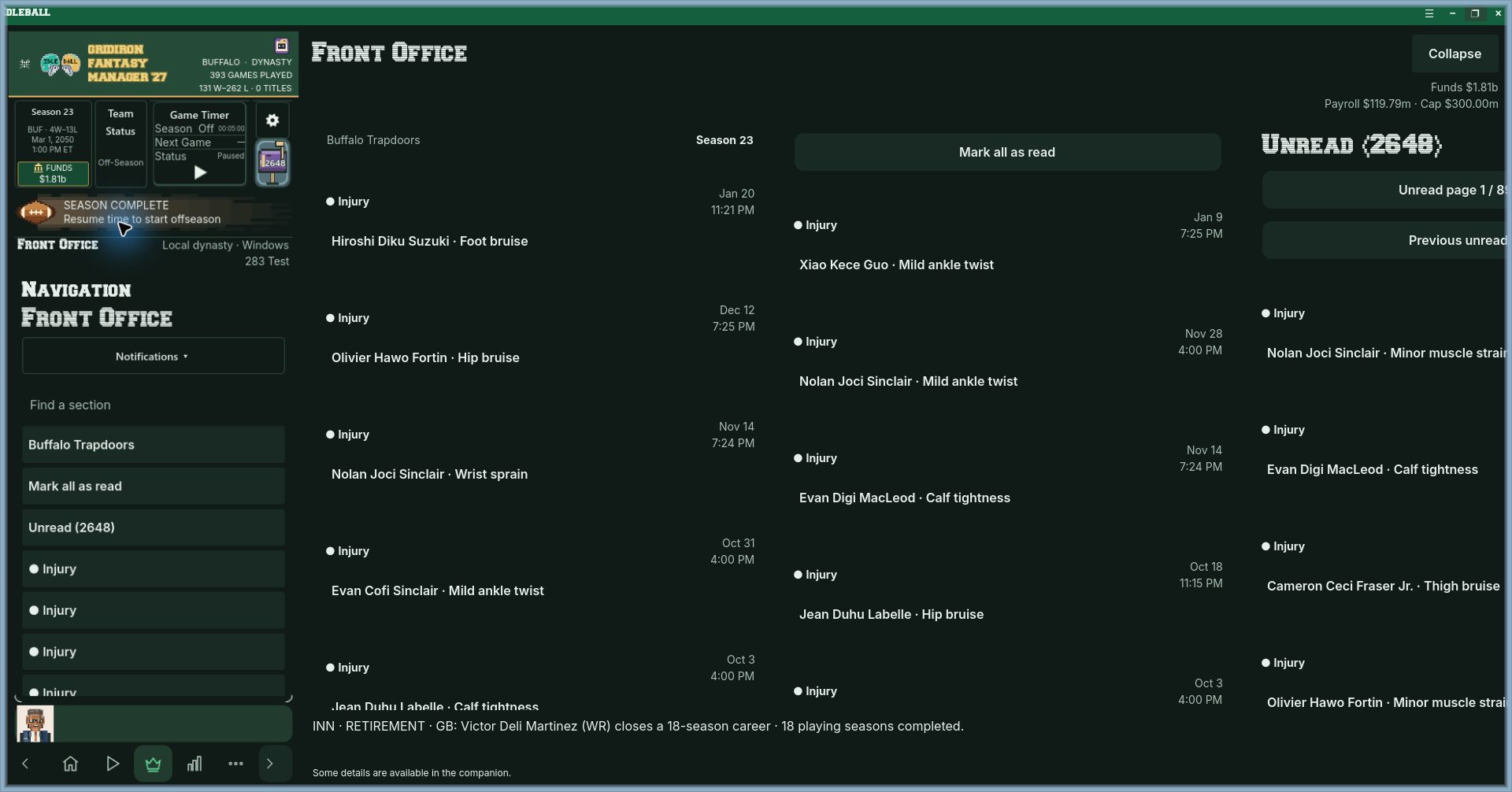
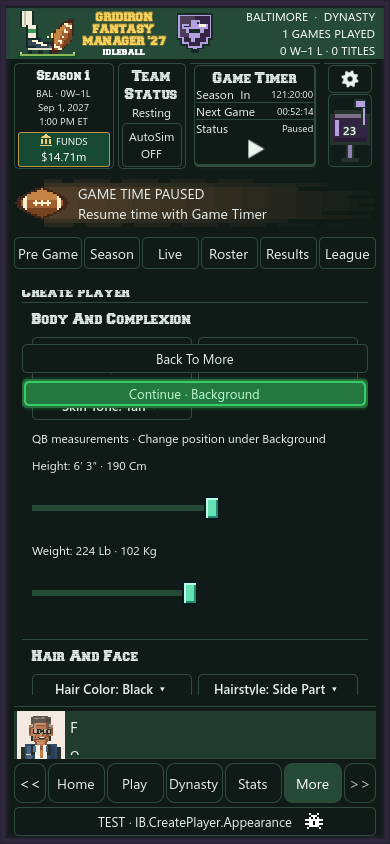
Here are a few more views of the game: the roster, front office, player creator and football itself. The older and newer layouts are from different saves.
Open the prototype screenshot gallery
Following a game and planning the next season
Screens from development saves on Windows and Android.
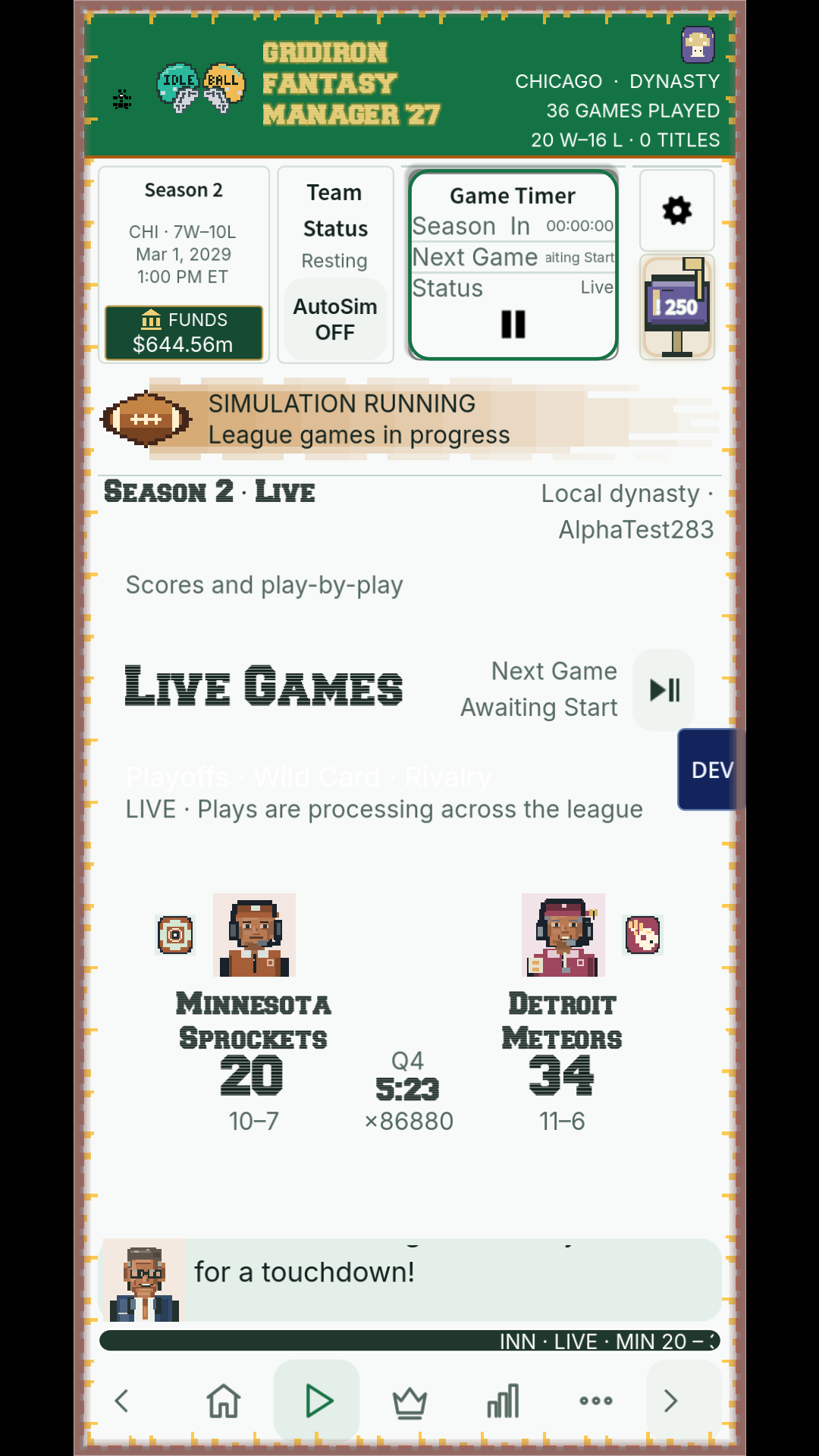
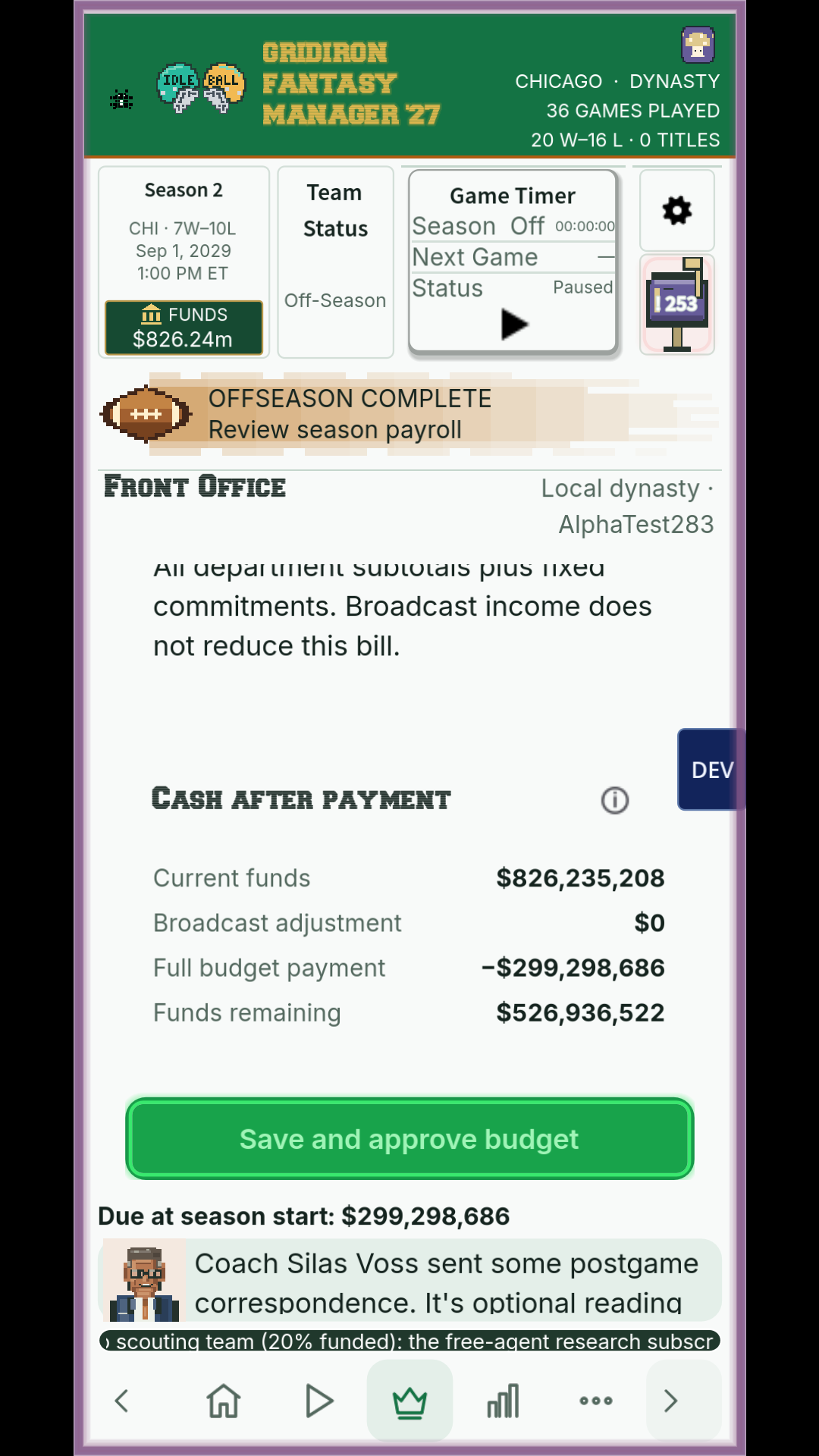
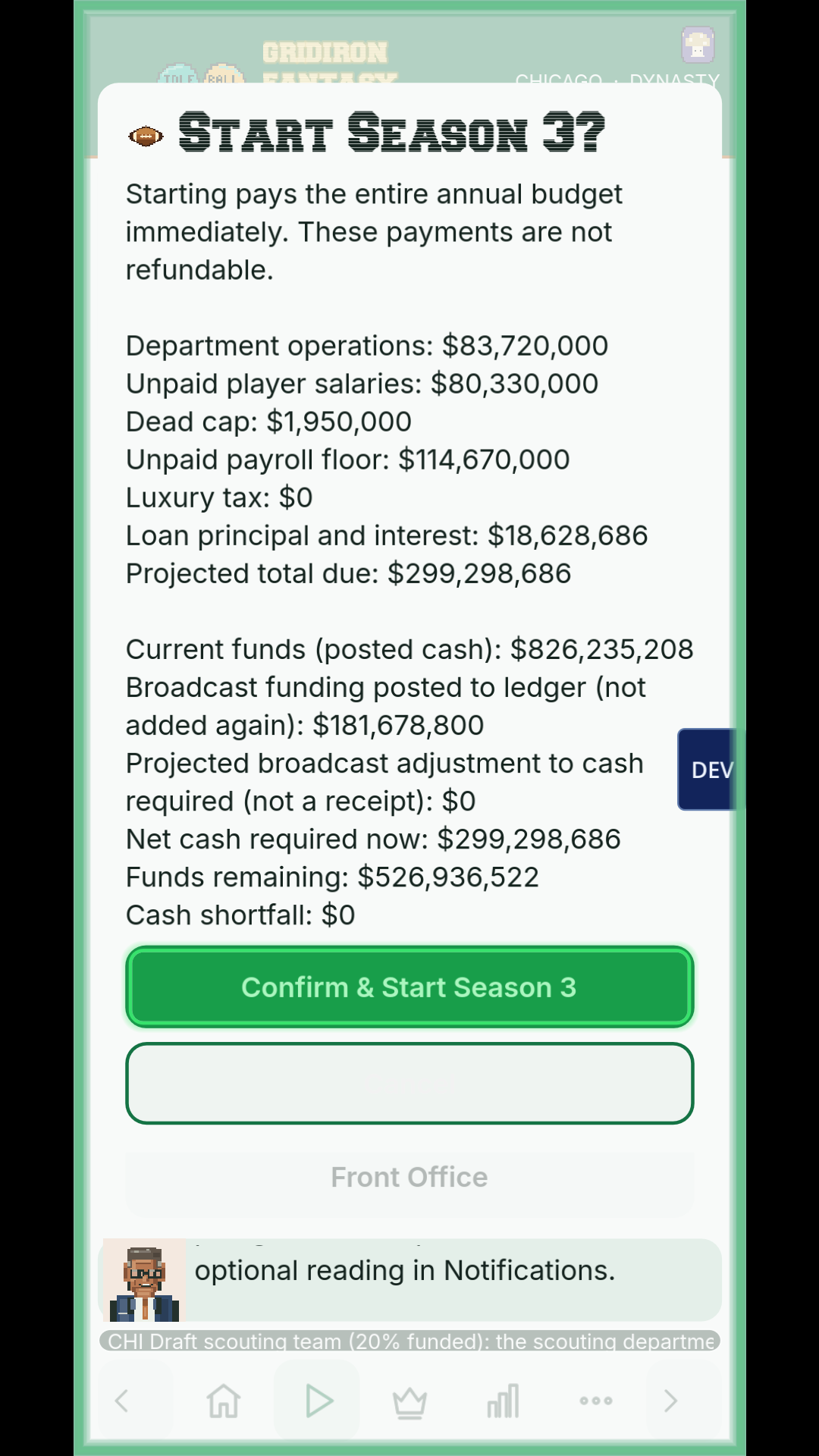
The season-opening bill and earlier lineup view
Screens from development saves on Windows and Android.
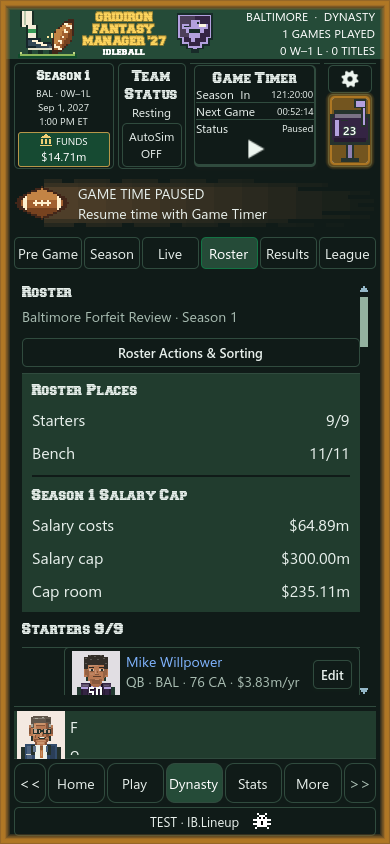
Recent roster capture and archived desktop layout
Screens from development saves on Windows and Android.
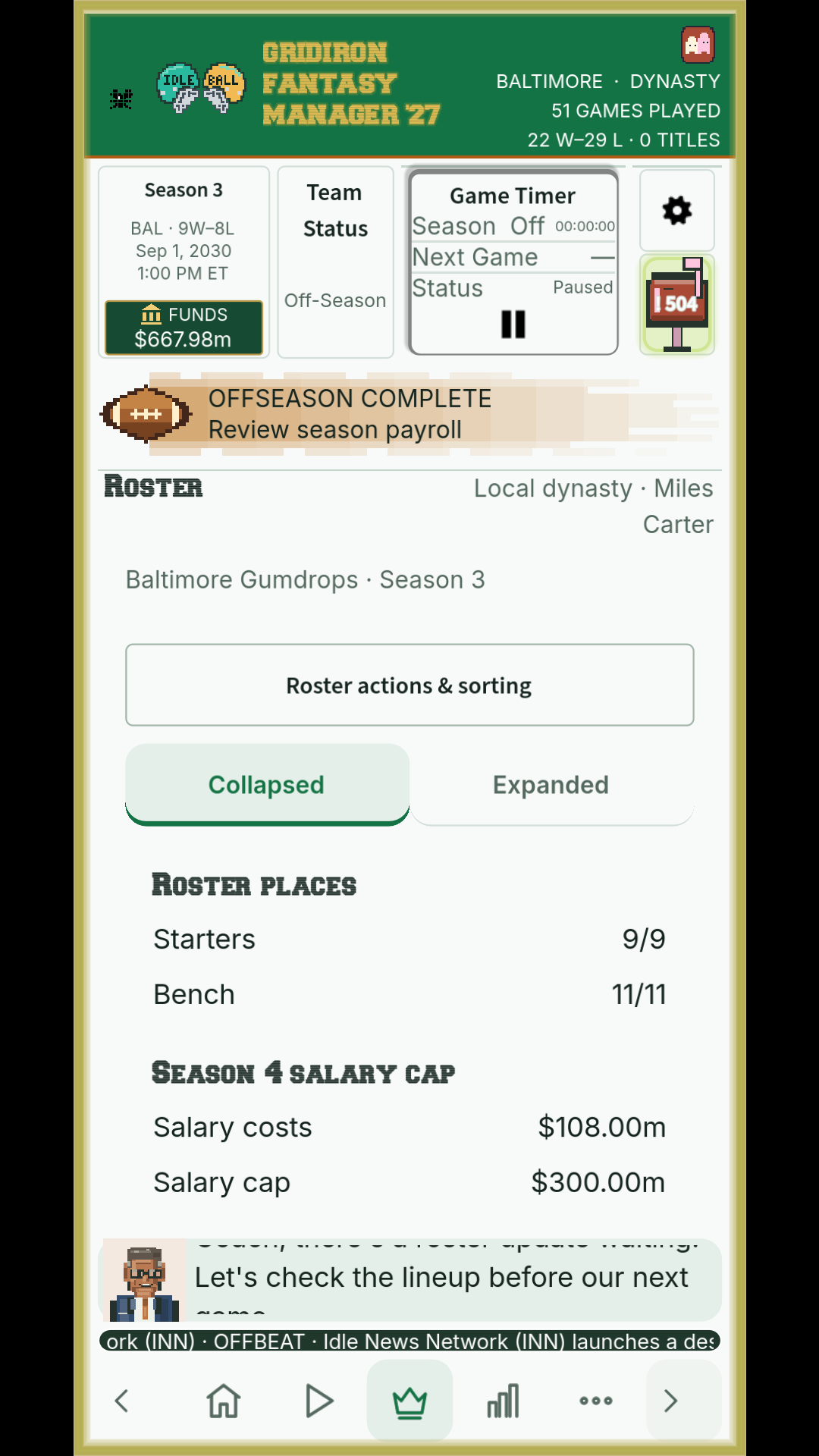
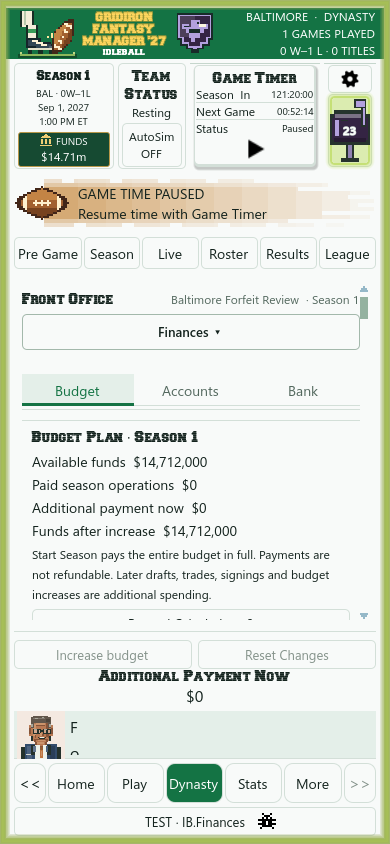
The season dashboard and covering an injury
Screens from development saves on Windows and Android.
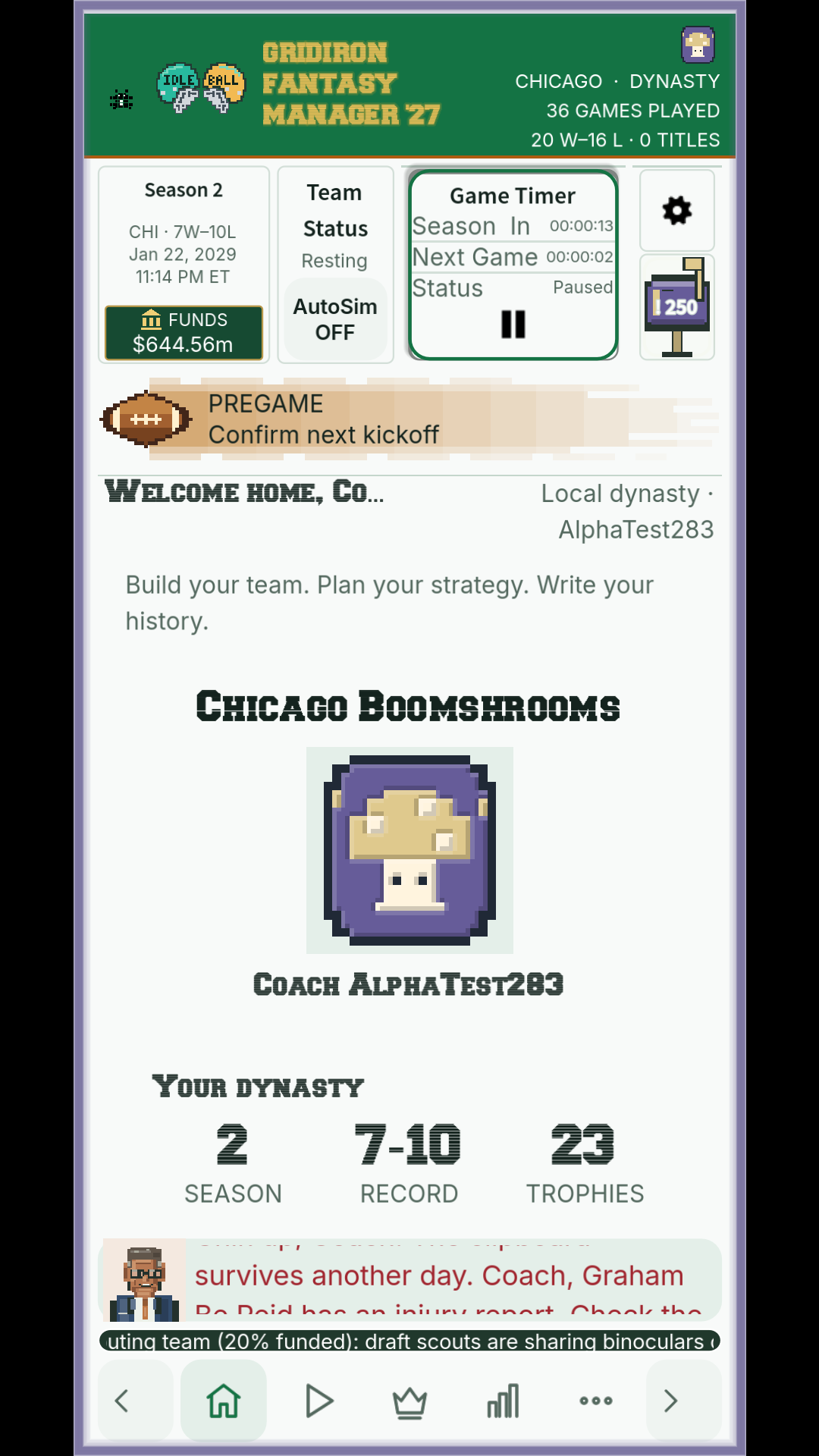
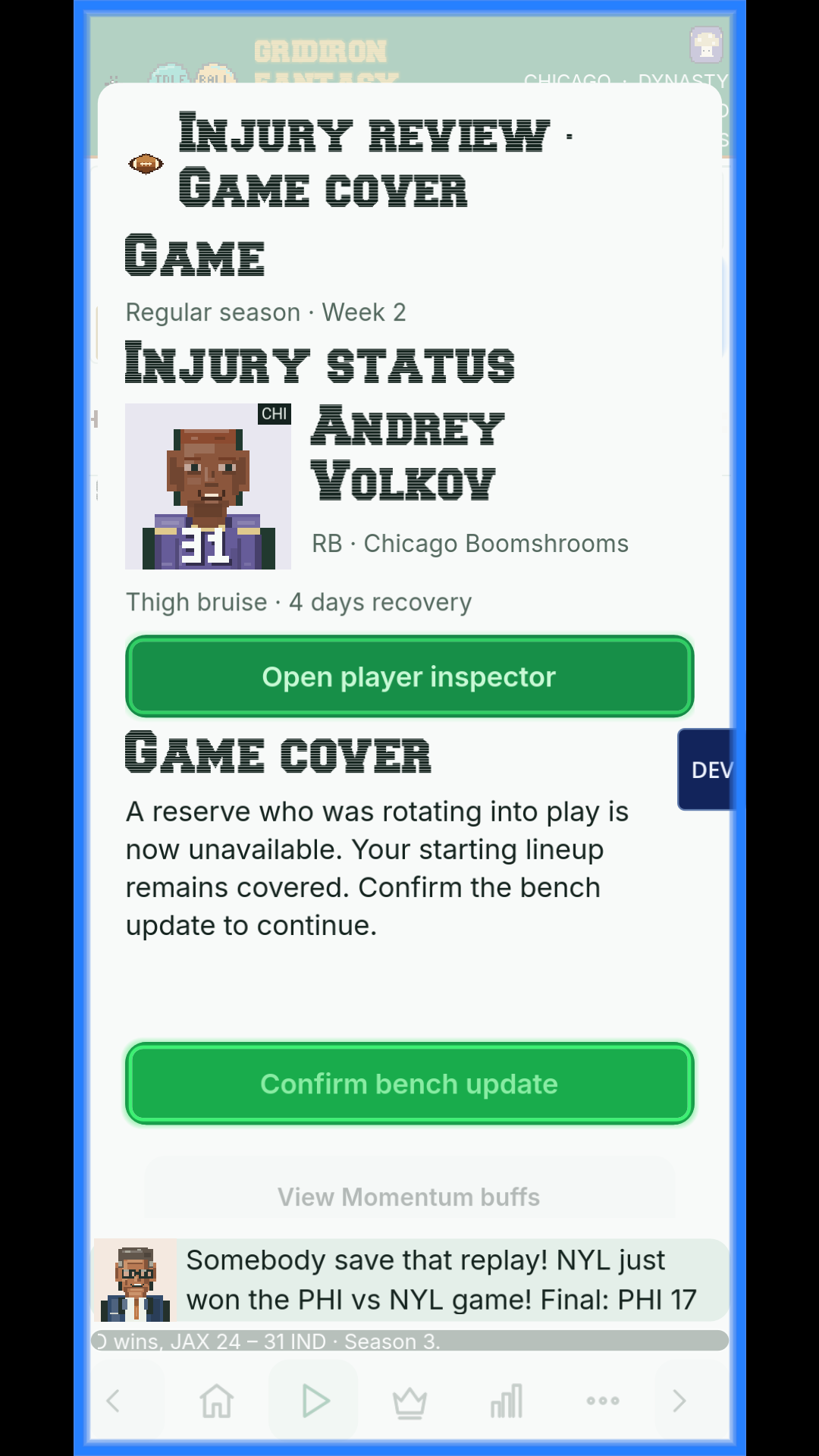
Before kickoff and looking for a replacement
Screens from development saves on Windows and Android.
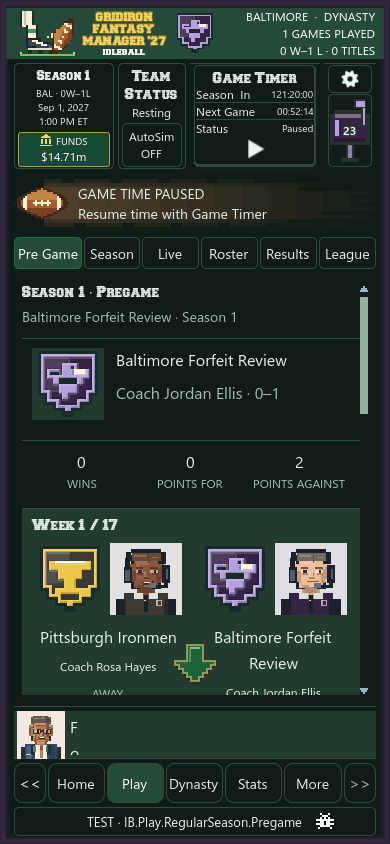
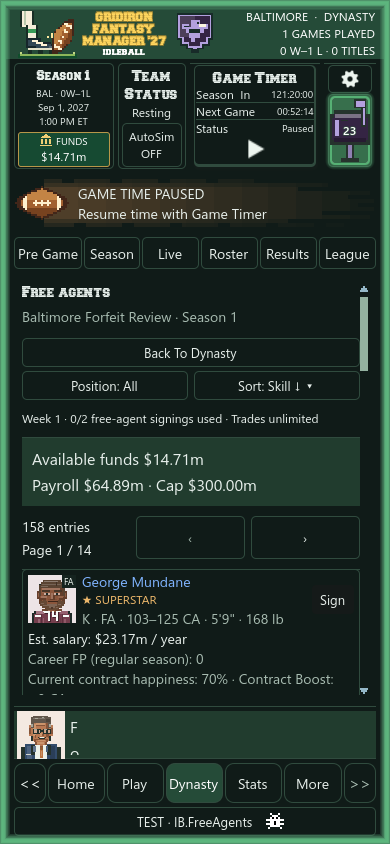
Recent budget view and earlier results layout
Screens from development saves on Windows and Android.
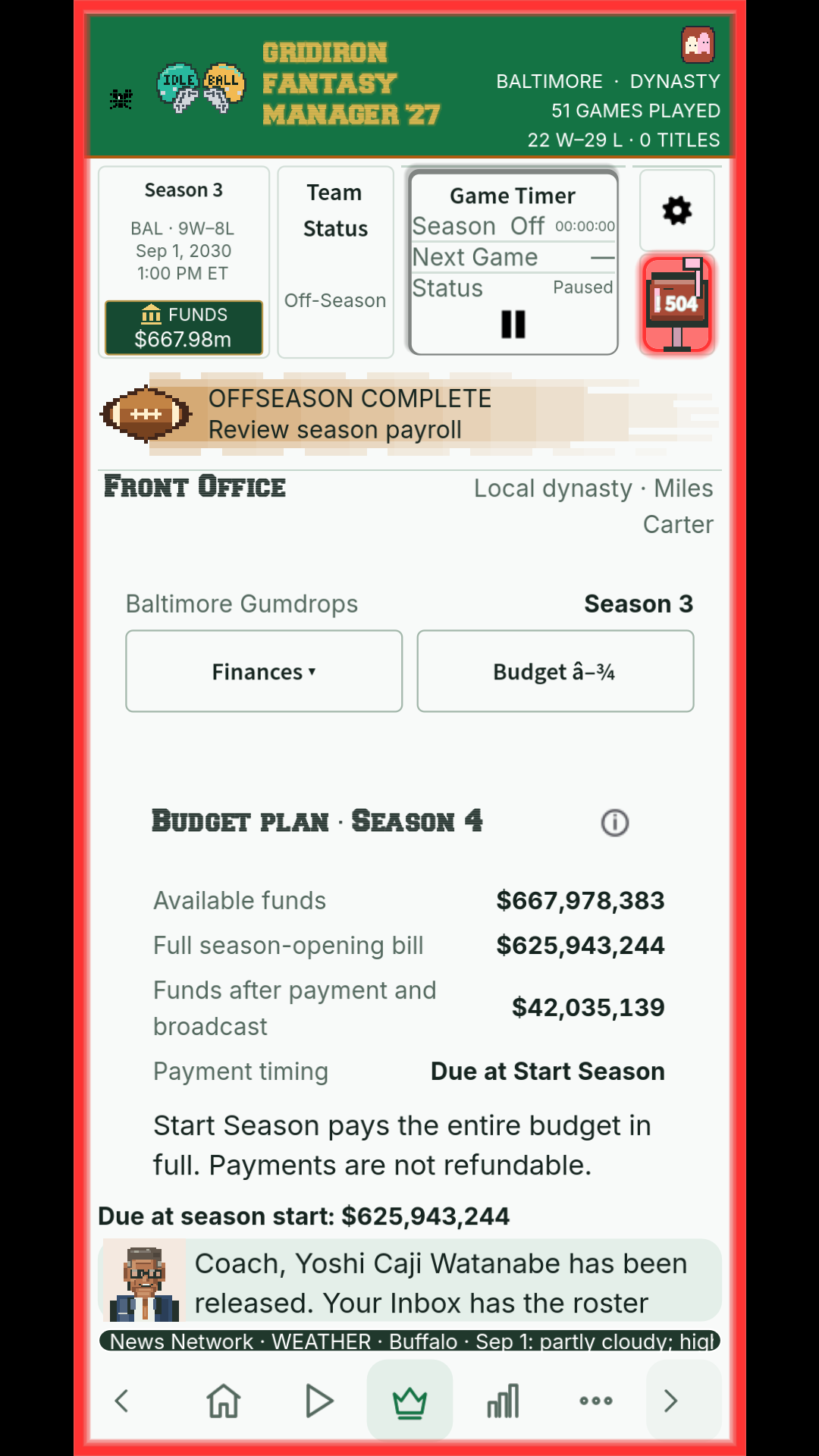
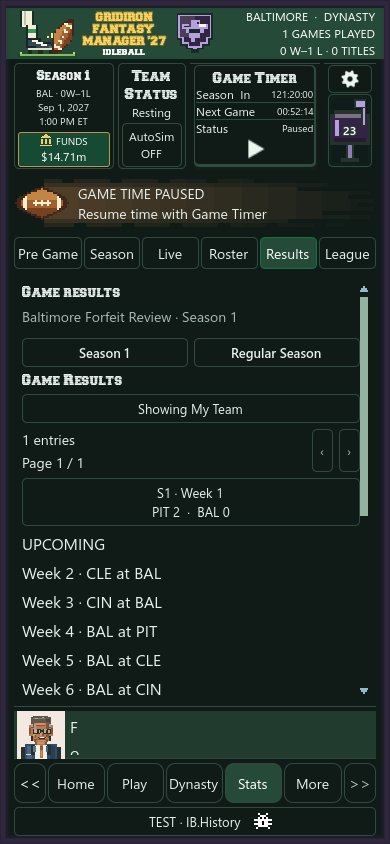
Creating a player and earlier roster capture
Screens from development saves on Windows and Android.
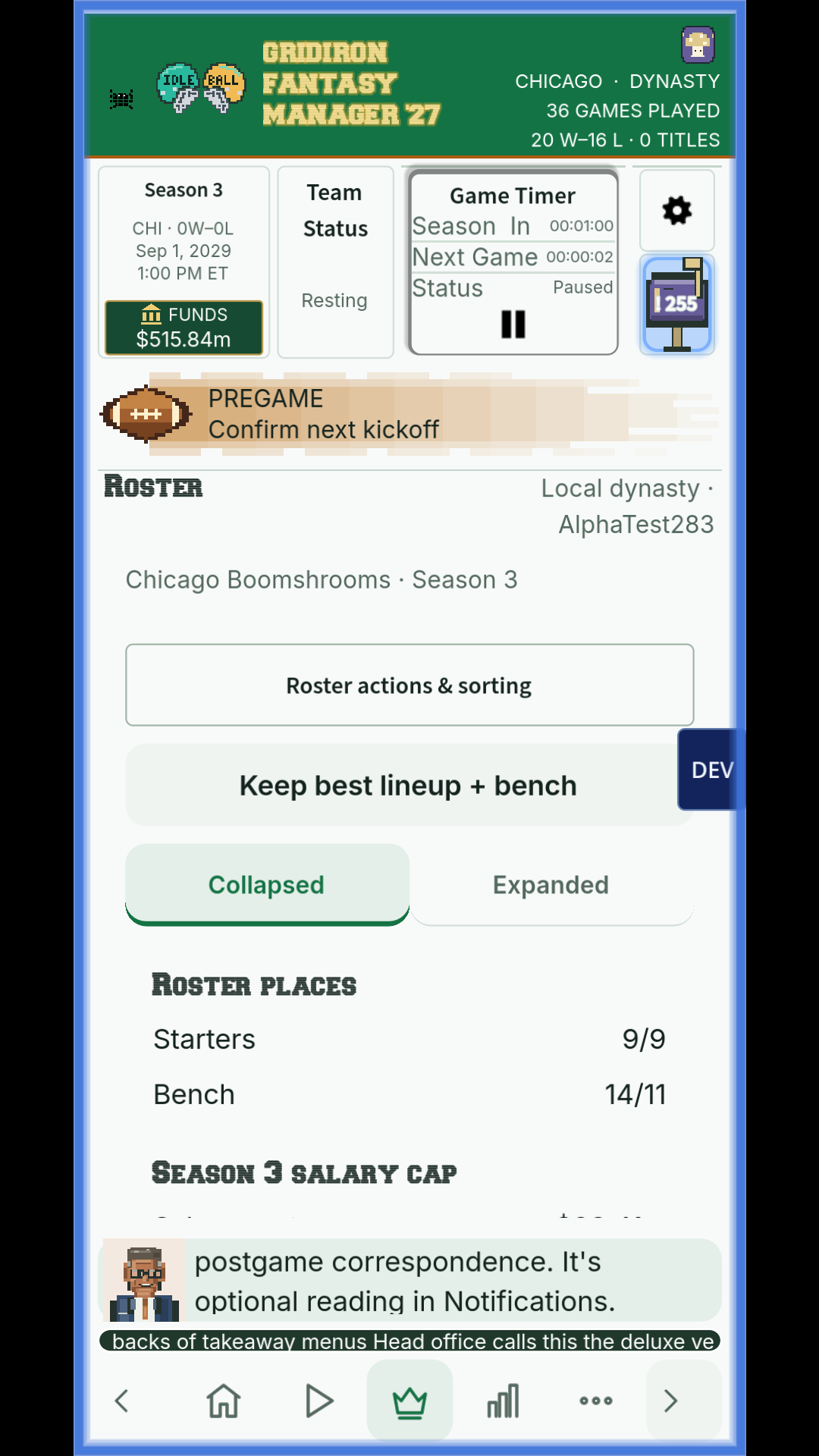
Recent desktop and phone views
These are development captures. The images are from different development saves.