
DEV BLOG / 01
Dev Blog #1: Playing God with Semicolons
Picking programming back up after twenty years, and starting with the Player Creation Engine.
Game screenshotsAbout a year ago, I made a wildly ambitious decision: I was going to pick programming back up and build a football management game.
Now, I actually have a Computer Science background, but I hadn’t written a single line of code in over twenty years. As it turns out, tech moves fast. My degree from the turn of the millennium in a completely different field was about as useful as trying to shove a floppy disk into an iPad. I knew the absolute basics, but I was incredibly rusty, and the gap between knowing how a loop works and building a functioning sports simulator is roughly the size of a football stadium.
Enter the “Engine” (Or: Me Staring at a Blank Screen)
I opened up VS Code and started working on what I grandiosely named the Player Creation Engine. In reality, it was just a blank script and me trying to remember where the semicolons went.
I figured a football team needs players, so that was the logical place to start: names, positions, backstory and ratings. How hard could it be?
Extremely hard, apparently. I completely underestimated how difficult it is to play God with spreadsheet data. Sure, typing in a name and giving a guy a “99 Speed” rating is easy. Deciding what that number actually does in the simulation is a whole different existential crisis.
I wanted drafting to matter. If a running back has elite catching hands, he needs to feel completely different in the playbook than a 230-pound power back who just plows through people like a bowling ball. If every auto-generated rookie ended up with a virtually identical, lukewarm profile, the game would be a boring chore.
The Deeply Unglamorous Reality
Before I could even get to the fun football logic, I spent weeks trapped in a loop solving the most ordinary, maddening problems:
- Identity Crises: Making sure the game tracked this specific John Smith and didn’t accidentally fuse his soul with a different John Smith.
- Data Amnesia: Figuring out how to update a player’s profile (like an injury status) without accidentally wiping out the rest of their historical stats.
- The “Build-Break-Cry” Loop: Write what I thought was an elegant approach, run it, watch it blow up because of a blind spot I missed, and go back to the drawing board.
I was trying to learn project architecture while simultaneously relearning how to write clean code. Muscle memory is a funny thing—some syntax rules came back instantly, while other basic concepts made me feel like an absolute imposter. Having a programming background doesn’t mean you automatically know how to organize a massive, multi-layered data project by yourself.
I could explain why I liked a bourbon in considerably more detail than I could explain how I planned to build this game. An impressive set of priorities.
What I had by this first update
- A start on the Player Creation Engine: names, positions, backstory and ratings gathered into player profiles.
- Identity work: figuring out how to keep two players with the same name separate.
- Profile-update work: changing information without throwing away the rest of a player’s history.
- A clearer next problem: the ratings needed to mean something in football before the simulation could use them.
That was the starting point. I was still working through the data in VS Code; the card below is a look ahead to the recent version.
From numbers to a player
A look at how that player data appears in the prototype.
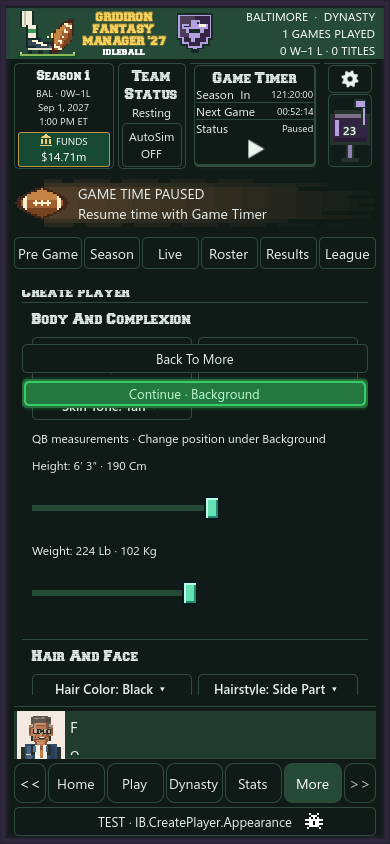
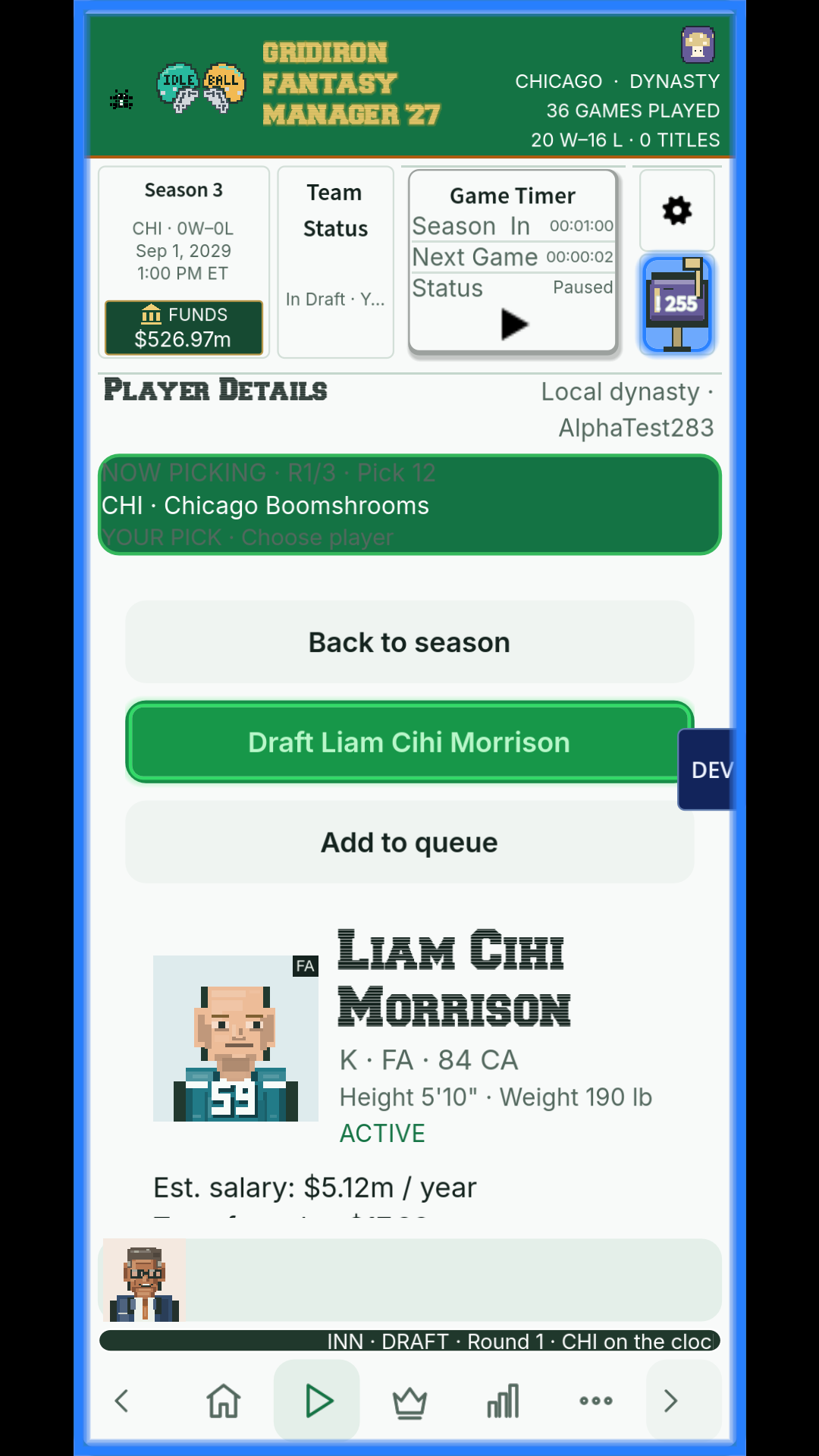
Where It Stands Today
Which brings us to Bijan Rollinson.
The card below uses player data exported from the game, along with its pixel portrait.
 IDLEBALL · FOOTBALL
PLAYER PROFILE RB · #12
Bijan
Rollinson
Running back · 5′ 10″ · 197 lb
- Hometown
- Walnut Falls, Wisconsin
- College
- Whisper Heights Technical College
Seeing it look like a real video game is honestly wild to me, considering not long ago, my “game” was just a sad text file of raw numbers inside VS Code.
Getting those numbers to behave like actual athletes in a simulated game was the next massive hill to climb. First, though, I needed players who didn’t all feel like the same guy. That’s where the next update picks up.